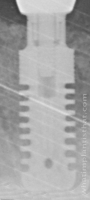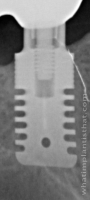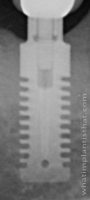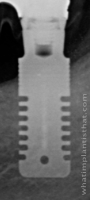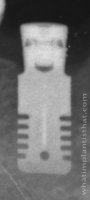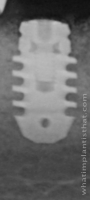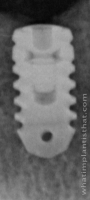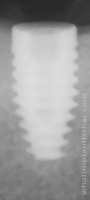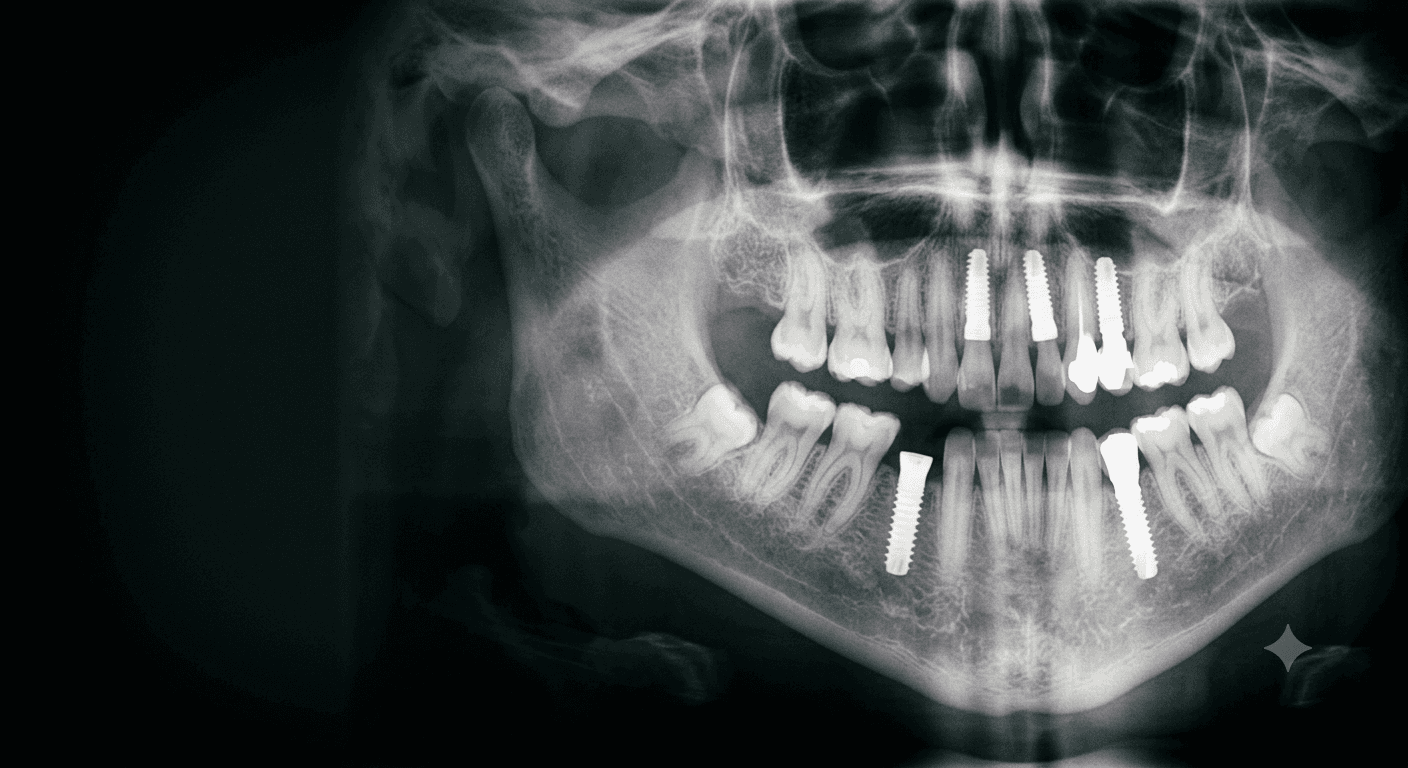
Identify a dental implant from its radiograph.
WhatImplantIsThat helps the dental profession recognize implants by the shape traits read off a patient's X-ray — no manufacturer, no reference number required.
- 1,210
- Implants cataloged
- 57
- Manufacturers
- Free
- Always
How identification works
Read the implant top to bottom.
An implant's silhouette on a radiograph tells a story from crest to apex. Work down the three anatomical regions, and the catalog narrows to a handful of candidates.
- 1Coronal
Start at the platform
Read the implant–abutment interface — external, internal, or a unique connection — and the flange shape at the crestal bone.
- 2Mid-body
Read the thread form
Note whether the body is threaded, how it tapers, and the thread profile: V-shaped, square, buttress, or rounded.
- 3Apical
Finish at the apex
Characterize the tip — tapered, flat, curved, or open — along with any apical holes, chambers, or grooves.
Professional consultation
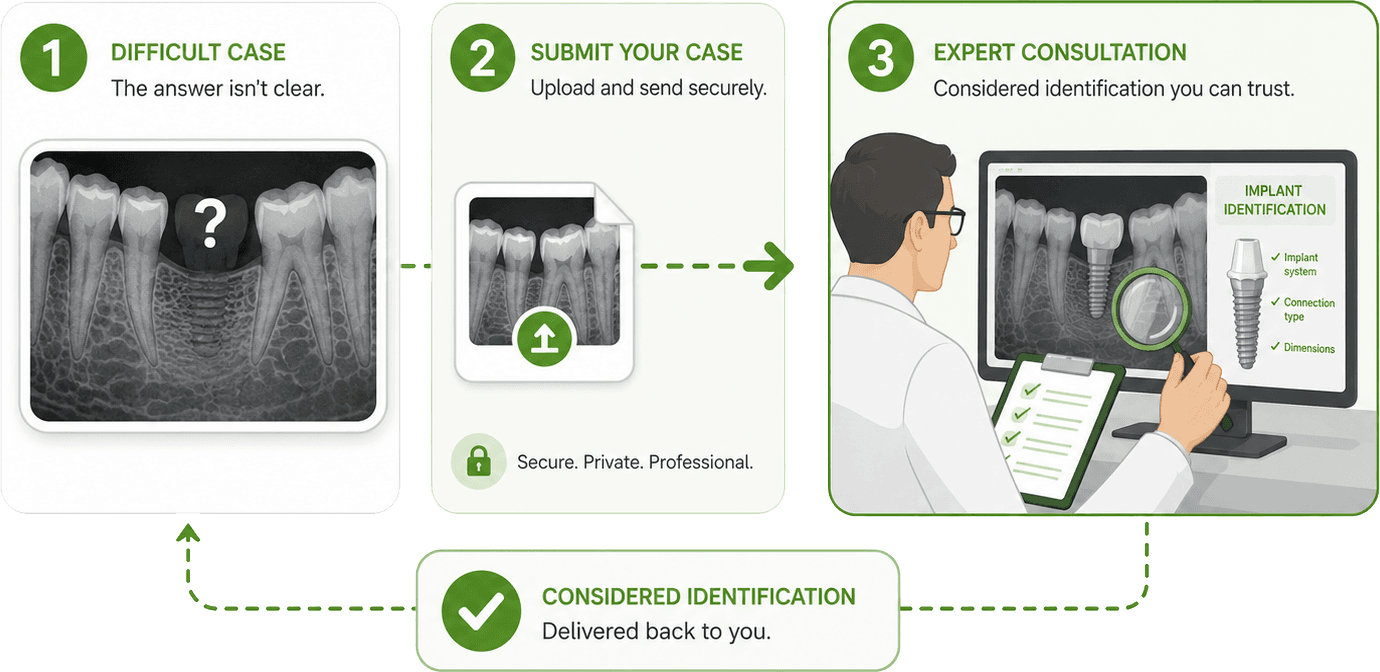
Stuck on a case? Send it to an expert.
When a radiograph won't give up its answer, submit the images for a professional consultation and get a considered identification back.
 Request a consult
From the catalog